> ## Documentation Index
> Fetch the complete documentation index at: https://krisper.tryx.space/llms.txt
> Use this file to discover all available pages before exploring further.
# Settlement
> Settle a shop's pending transactions with its owner over a date range.
**Settlement** records a payout of a shop's unsettled transactions to its owner, for a chosen date range.
Settlement is only relevant for a shop's **Owner** — it settles the shop's own transactions, not an individual staff member's commission (see [Staff Commission](/business-module/staff-partners/staff-commission) for that).
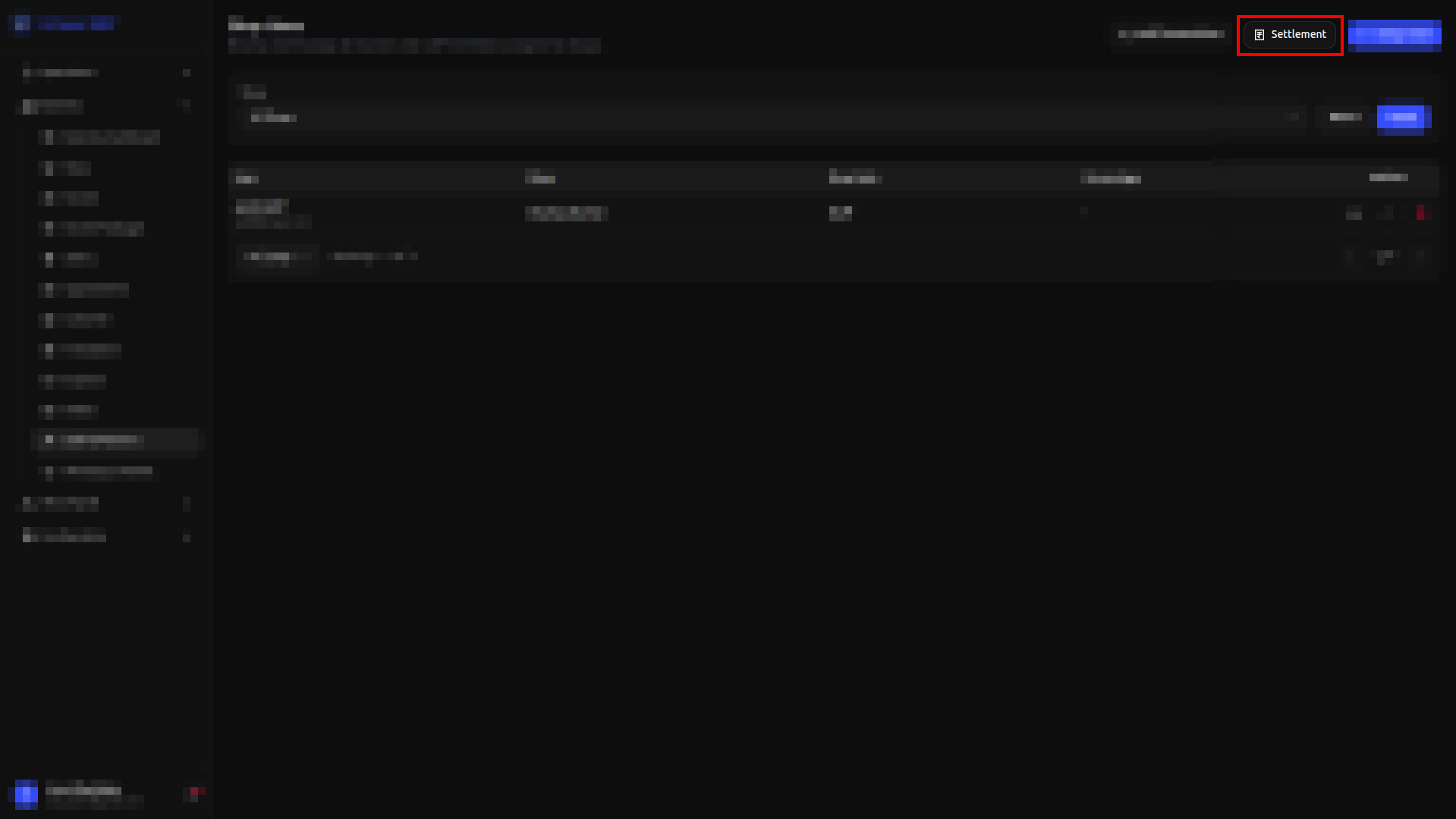 The dashboard shows Total Settled Amount, Total Unsettled Amount, Settled Transactions, and Unsettled Transactions.
Use the **Shop** filter, with **Reset** / **Apply**, to narrow the list down.
The table below lists every settlement made so far: Shop, Settlement Period, Total Amount, and Actions.
| Field | Required? | What to enter |
| -------------- | --------- | ----------------------------- |
| **Shop** | Yes | The shop to settle |
| **Start Date** | Yes | Start of the period to settle |
| **End Date** | Yes | End of the period to settle |
Save with **Settle Transactions**, or **Clear Form** to reset the fields without closing.
## Unsettled Transactions
Click **Unsettled Transactions** to open a read-only list of every transaction still pending settlement, across all shops. Use the **Filter by Shop** dropdown to narrow it down to one shop. Each entry shows the transaction, date and time, payment type, and amount — this view is for reference only, to see how many transactions are still pending; it doesn't let you settle from here.
The dashboard shows Total Settled Amount, Total Unsettled Amount, Settled Transactions, and Unsettled Transactions.
Use the **Shop** filter, with **Reset** / **Apply**, to narrow the list down.
The table below lists every settlement made so far: Shop, Settlement Period, Total Amount, and Actions.
| Field | Required? | What to enter |
| -------------- | --------- | ----------------------------- |
| **Shop** | Yes | The shop to settle |
| **Start Date** | Yes | Start of the period to settle |
| **End Date** | Yes | End of the period to settle |
Save with **Settle Transactions**, or **Clear Form** to reset the fields without closing.
## Unsettled Transactions
Click **Unsettled Transactions** to open a read-only list of every transaction still pending settlement, across all shops. Use the **Filter by Shop** dropdown to narrow it down to one shop. Each entry shows the transaction, date and time, payment type, and amount — this view is for reference only, to see how many transactions are still pending; it doesn't let you settle from here.