1
Open Business → Wallet
The dashboard shows Total Wallet Balance and Total Customers across every wallet. Use the Customer Name and Phone Number filters, with Reset / Apply, to narrow the list down.Each row shows the Customer, Phone, Remaining Amount, and when it was Last Updated.
2
Click the view icon to open Wallet Overview
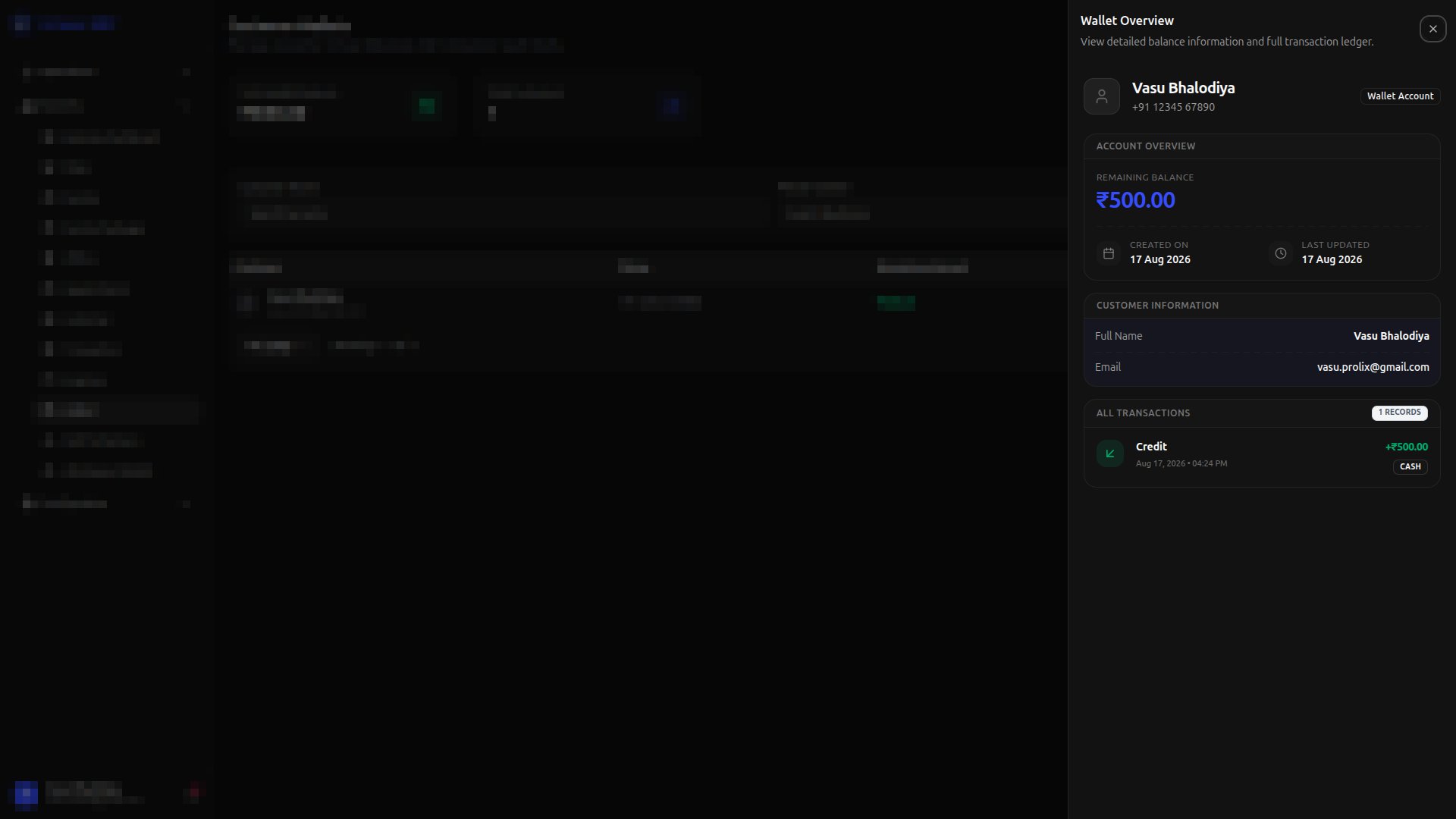
- Account Overview — the Remaining Balance, along with Created On and Last Updated dates
- Customer Information — the customer’s Full Name and Email
- All Transactions — the full ledger of wallet activity, each entry showing whether it was a Credit or Debit, its amount, description (if any), date and time, and Payment Type